Member Portal Redesign
For a research membership business, navigation is how members perceive product value. If members cannot quickly reach the right reports, benchmarks, or peer insights, strong content can still feel inaccessible.
I'm redesigning the portal's IA, navigation, and core experience end to end, translating a validated four-level taxonomy into a usable product structure while shipping an MVP under the constraints of a parallel rebrand.
At a glance
- Business Problem: Members struggled to discover research despite a validated 4-level taxonomy because the portal exposed too much complexity upfront.
- My Key Decisions: Designed a progressive-disclosure navigation model that gradually revealed topics based on search intent instead of overwhelming users.
- Impact & Outcomes: Established a scalable information architecture and design system, delivering MVP-ready components for engineering handoff and user task validation.
Problem
Members came to i4cp for reports, benchmarks, and peer insights, but the portal made that value harder to reach than it needed to be. The taxonomy itself was not the problem. Researchers had already validated a four-level model across Areas of Focus, Priorities, Topics, and individual content.
My challenge was translating that model into navigation and page structures that matched how HR leaders looked for answers, without exposing the entire taxonomy at once.
Goals
- Close the gap between content model and navigation: Make the portal's structure legible to members from the moment they land
- Reduce friction in research discovery: Help members get from intent to the right report, benchmark, or insight faster
- Ship a meaningful MVP: Improve navigation, hierarchy, and visual clarity without waiting for every portal surface to be redesigned
Research
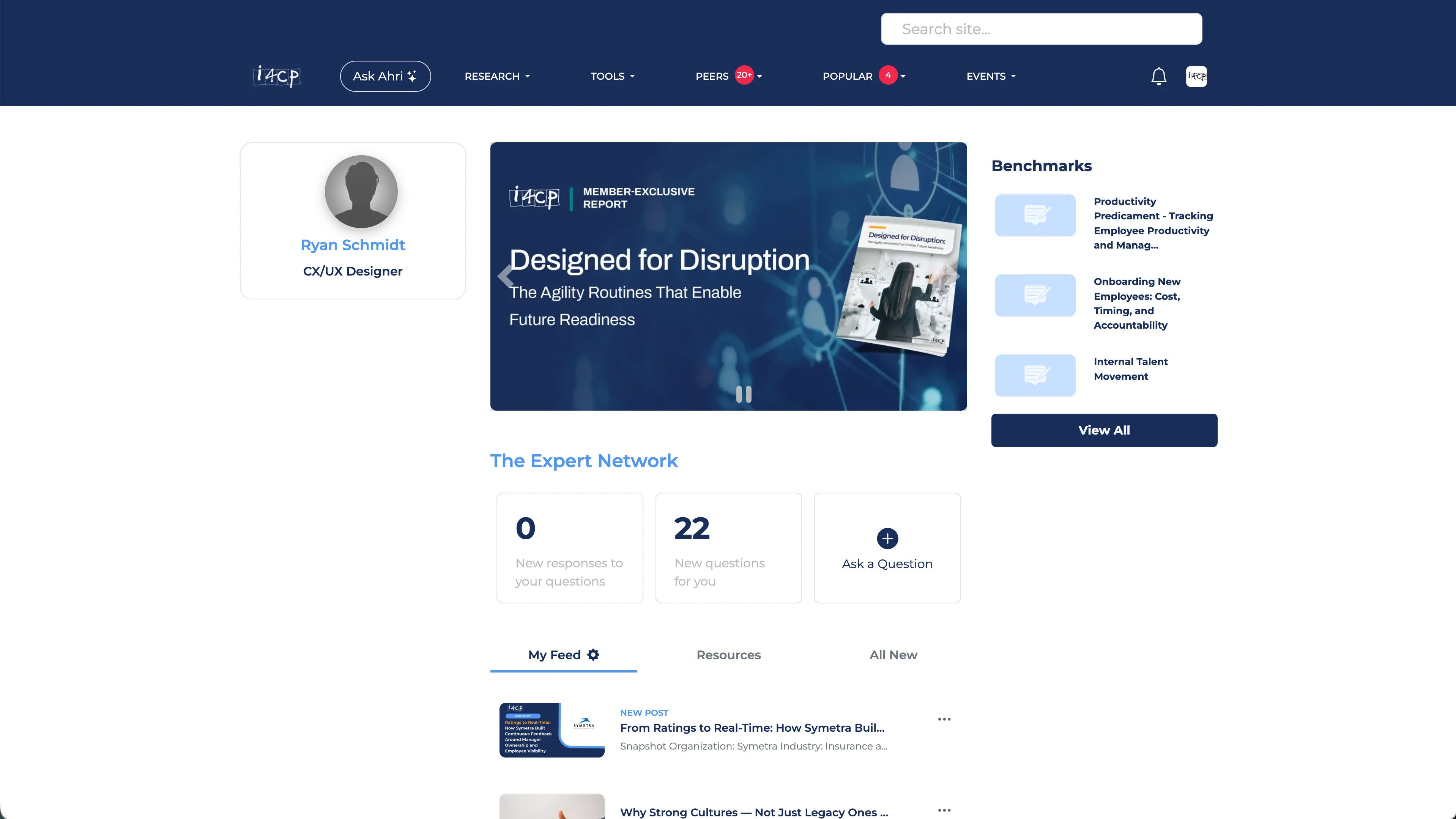
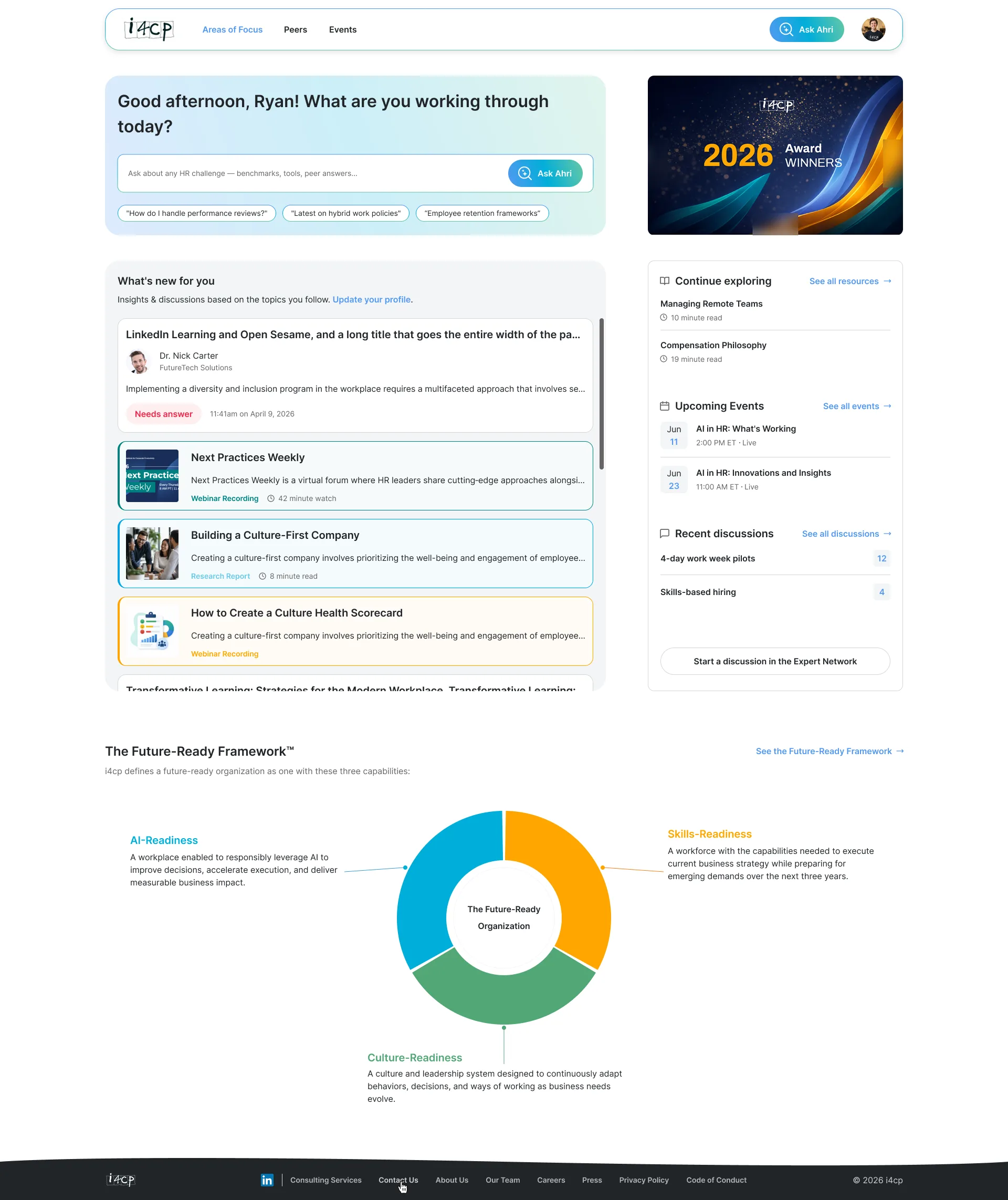
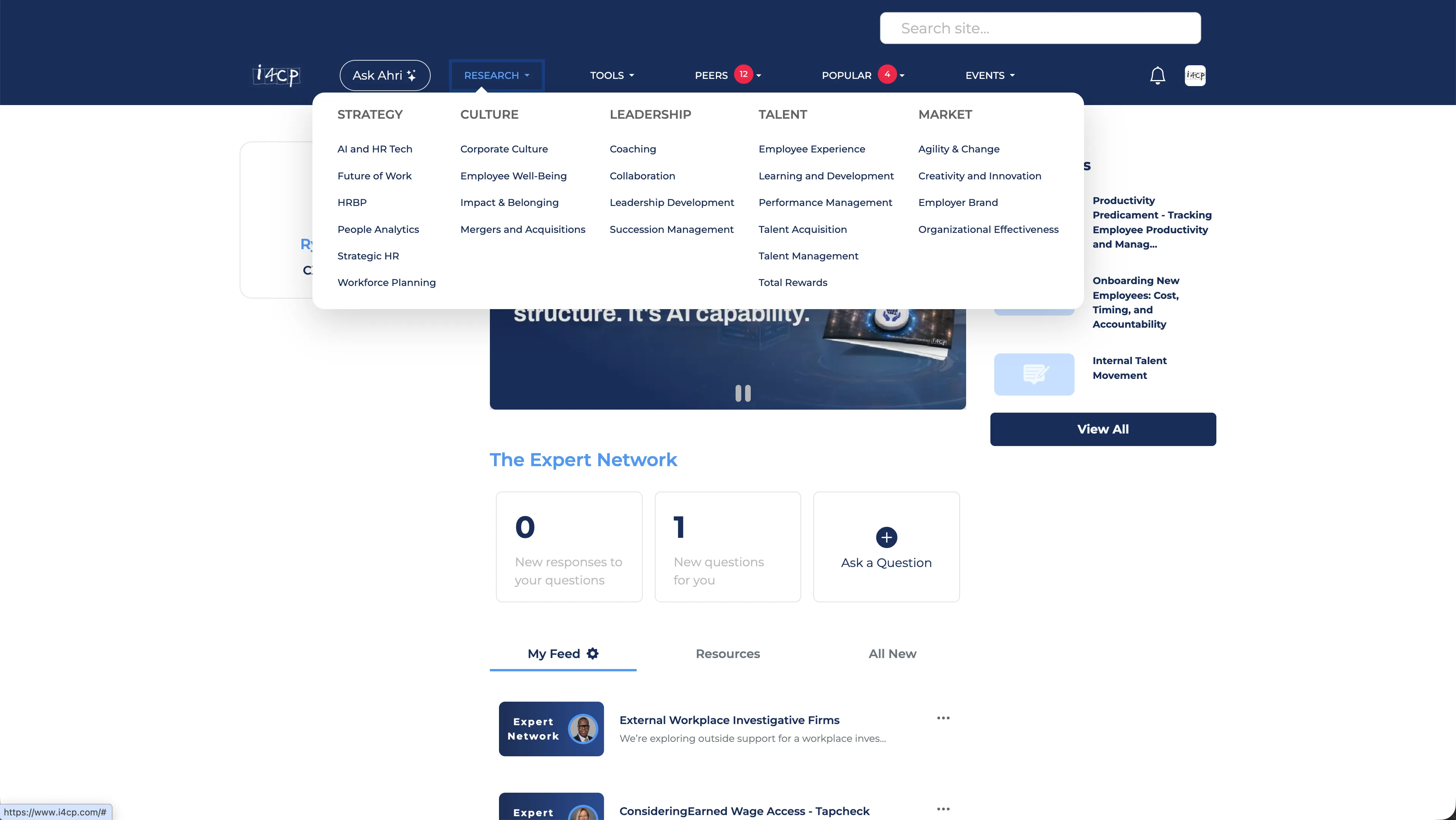
The taxonomy itself was not something I needed to reinvent. Our researchers had identified a new taxonomy that was already in progress when I joined. The design problem was translation: how to make that validated 4-level structure visible and usable inside the product. I designed a navigation model that exposed the right level of depth at the right moment.
Moderated validation testing with active members is planned for July, focused on task success across the four IA levels.
The IA Challenge: Four Levels Without Losing the Thread
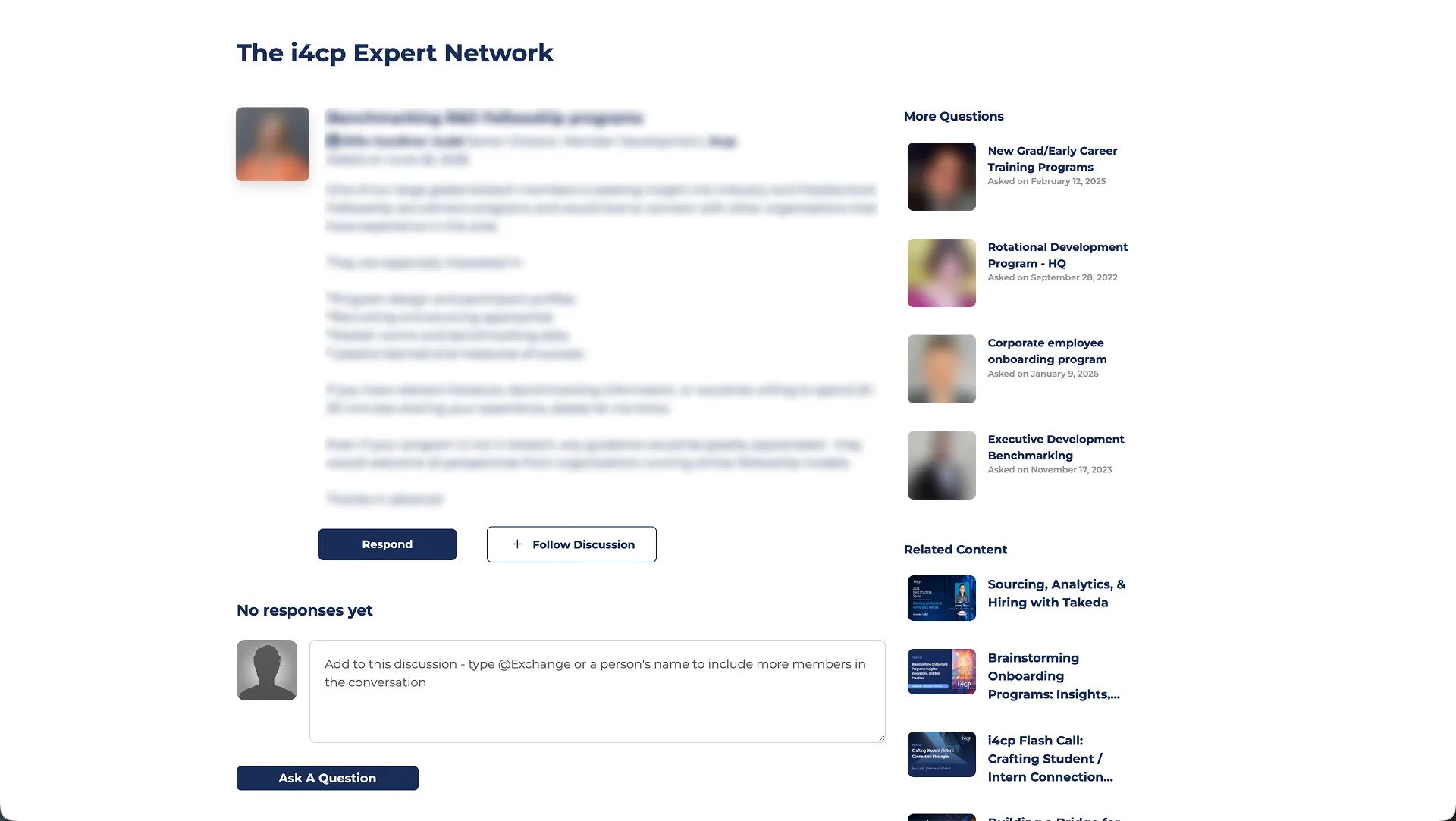
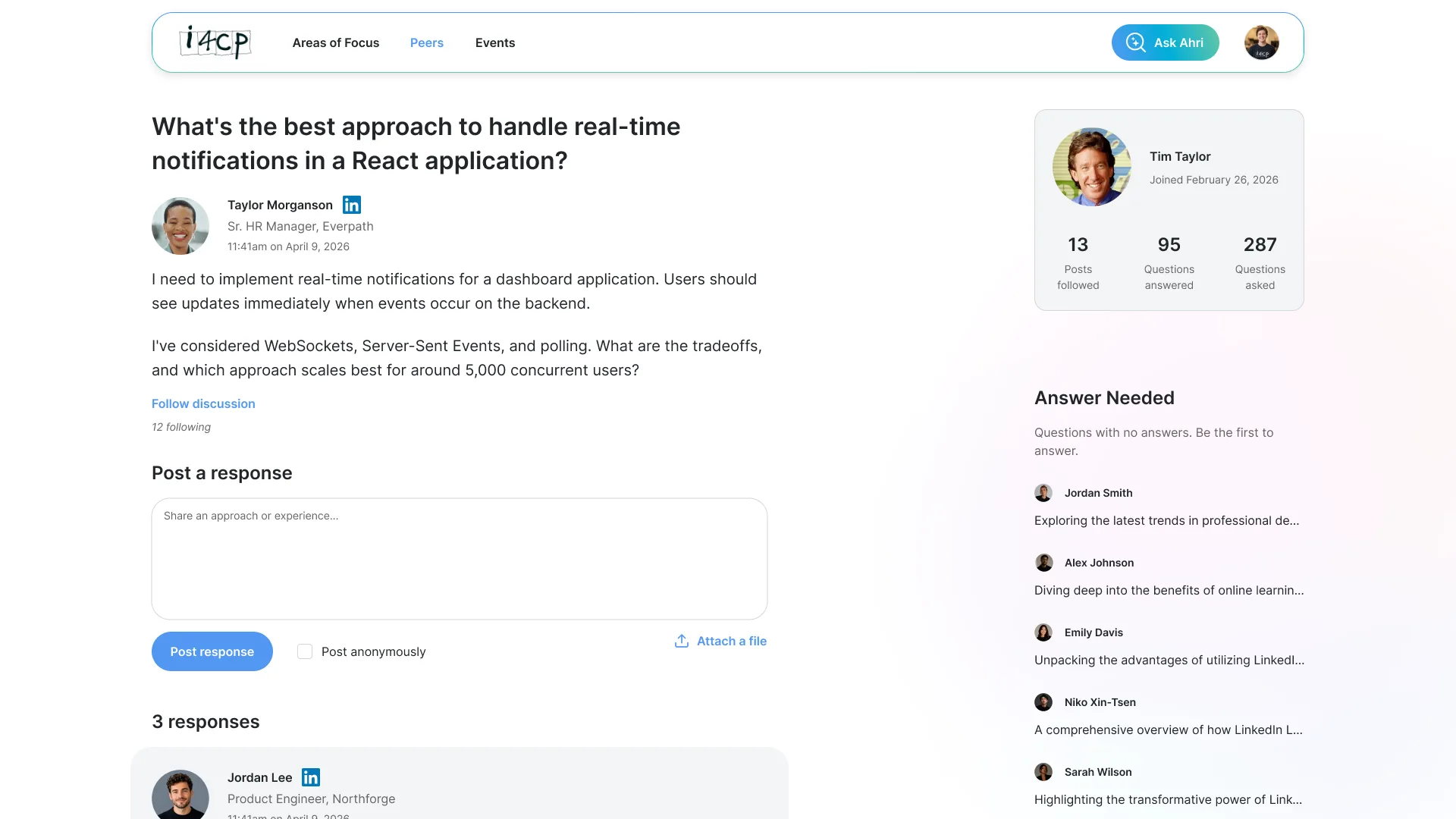
The content model moved from broad member intent to specific resources across four levels: Areas of Focus, Priorities, Topics, and individual content. Previously, members had to understand i4cp's internal structure to navigate that depth. The redesign shifted the experience toward how HR leaders already think about their work.
Previously, users had to understand i4cp's structure. The redesign makes the structure match how members already think.
Content hierarchy
The model moves from broad member intent to specific resources across four levels.
The broadest practice domains (e.g. leadership, talent, culture)
The strategic questions within each area
Specific subject clusters within each priority
Articles, videos, webinars, benchmarks
For example, a member looking for leadership succession benchmarking might start with Leadership as a broad area, narrow into a strategic priority, scan related topics, and then choose between reports, benchmarks, webinars, or peer discussion content. The navigation needed to support that narrowing path without exposing the entire taxonomy at once.
Defining decision
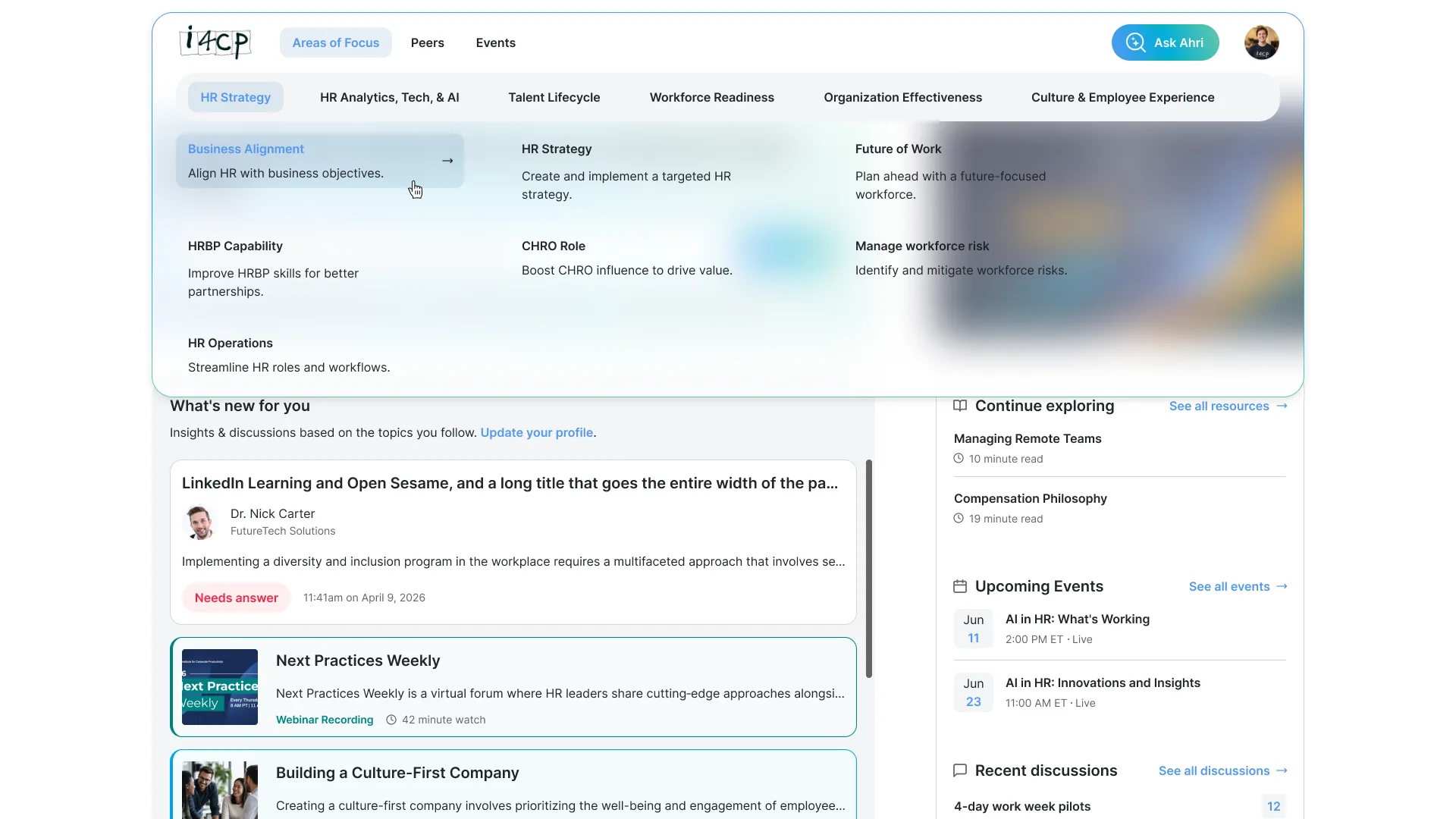
Progressive disclosure over flat navigation.
Exposes too much structure at once, creating a noisy entry point for members who need a clear next step.
Reveals deeper levels only as members commit to a practice area or priority.
I explored flatter navigation patterns, including an expandable-tree model, but they exposed too much hierarchy at once and made the entry point harder to scan. Progressive disclosure preserved access to the full taxonomy while revealing deeper levels only as members narrowed their intent.
Areas of Focus orient members at the top level, while Priorities and Topics appear as they move closer to a specific research need. The goal was to make four levels feel like a path, not a taxonomy buried in dropdowns.
Constraints
- Parallel rebrand: A third-party consultant was evolving i4cp's visual identity at the same time. Instead of rebuilding tokens from scratch, I mapped the new direction to the existing token structure so the MVP could keep moving.
- MVP scope: A full IA overhaul touches nearly every portal surface, so I phased the work deliberately. The MVP ships restructured navigation and a refreshed visual system, with deeper workflow improvements already designed and ticketed for post-MVP.
Deferred enhancements
Potential enhancements included AI-assisted summaries, natural-language discovery, enhanced search, and higher-fidelity interactions.
These were deferred to prioritize foundational discoverability and navigation improvements first.
Current Status
- Designs complete: Shippable MVP designs are in engineering QA.
- Validation planned: Moderated member testing is planned for July.
- Outcomes pending: This case study will be updated after validation and launch data are available.
Planned validation criteria
In July validation, I plan to evaluate whether members can:
- Identify the right Area of Focus from a realistic research task.
- Move from Area of Focus to Priority or Topic without confusion.
- Understand what type of content they are selecting before clicking.
- Complete key discovery tasks without relying on search.
- Explain where they are in the content hierarchy after navigating.
This case study will update with real results after July. For now, these five criteria are the bar I'm designing against.