Engineering My Portfolio
I rebuilt my portfolio from scratch with AI-assisted coding tools because I wanted the site to prove more than visual design. It needed to show that I can move from product idea to shipped implementation without waiting on an engineering handoff.
At a glance
- Business Problem: Static design portfolios showcase visual mockups but fail to demonstrate hands-on execution, code fluency, and AI workflow integration.
- My Key Decisions: Built directly in code using modern web standards (HTML/CSS/JS) and integrated AI tools into a repeatable product development workflow.
- Impact & Outcomes: Shipped a production-grade portfolio with a custom design system, structured data, semantic search, and an embedded AI portfolio assistant.
Problem
Design leaders who can execute make better decisions earlier because they understand what implementation actually costs. Most portfolios show the thinking but not the shipping.
I wanted this portfolio to prove I can build, not just design. The question was whether AI tools could get me there without an engineering team behind me. Even more, I wanted to design an AI experience unrestrained by deadlines or priorities at my day job.
I intentionally skipped a traditional design-first process because the point was not another polished mockup. The point was to prove I could make real implementation decisions, work through technical tradeoffs, and ship a product-quality experience myself.
Goals
- Ship faster: Go from idea to working feature in hours
- Own implementation: Reduce reliance on engineering handoffs
- Build systems: Create reusable UI and code patterns
- Use AI intentionally: Turn tools into a real workflow, not a novelty
Approach
I deliberately skipped Figma for this project. I only opened it to check a few colors. I wanted to see if I could control the full design through code alone. That forced me to think in CSS and layout primitives instead of pixel pushes, and to validate decisions by running the result.
- Cursor: Primary coding environment for front-end implementation
- OpenCode: Debugging, refactoring, and deployment support
The key realization: AI only produces high-quality output when the structure behind it is clear.
System architecture
The breakthrough was treating AI output like a design system problem. I stopped asking for one-off pages and started defining reusable prompts, layout patterns, components, and feature-level conventions.
Prompts
Clear, constrained instructions defining what to build and how
FoundationPatterns
Reusable prompt structures for common UI and interaction problems
StructureComponents
Reusable elements like navigation, cards, layouts, and sections
Building blocksFeatures
Full experiences including case studies and interactive elements
ShippedThe system connects structured prompts to real product features, not just generated code.
Interactive walkthrough
See how the system works
Watch a visitor question travel through the portfolio assistant, from input to structured, context-aware answer, at your own pace.
What has Ryan built related to AI?
User submits question from the chat widget
Orchestrator
Receives question, checks tools needed, routes to RAG
- Parse question intent
- Check portfolio context
- Route to knowledge retrieval
- Format system prompt
Supabase pgvector
Searches 1,400+ embedded project chunks for context
Gemini 2.5 Flash
Generates answer from retrieved context + system prompt
Ryan has built an AI-powered portfolio assistant that uses RAG to answer visitor questions in real time. The system combines a Supabase vector store with Gemini 2.5 Flash to provide structured, context-aware responses about his product design work, systems thinking approach, and builder experience.
Ready Type a question or use the default prompt, then run the walkthrough.
Building the system
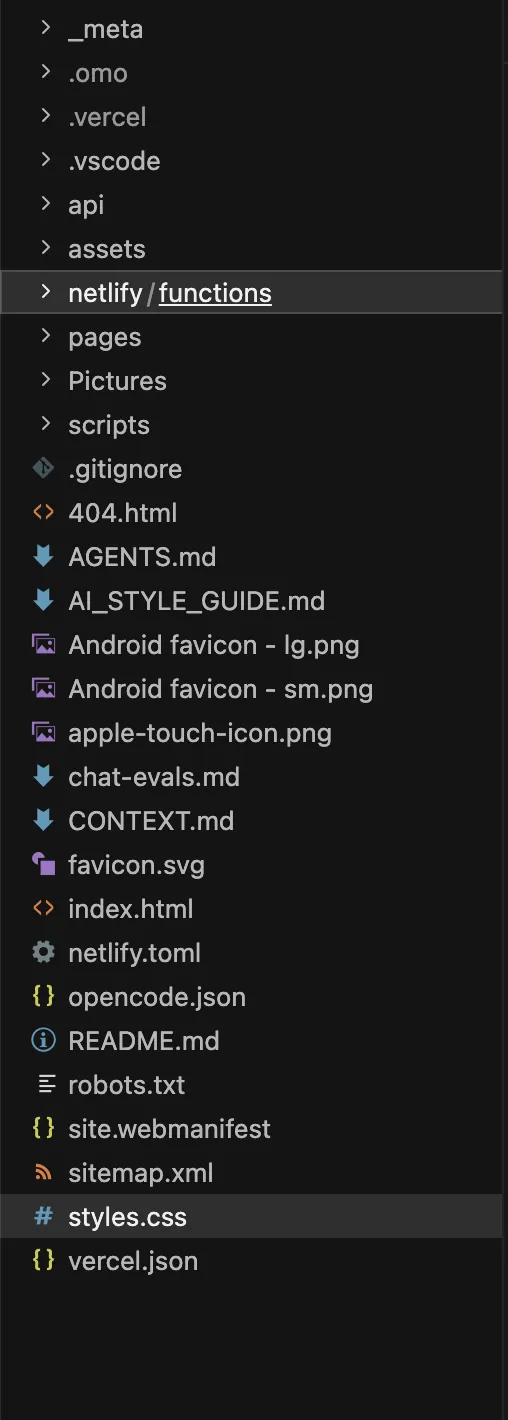
Start in code, not design tools
Designing in Figma first slowed iteration. Working directly in HTML and CSS provided faster feedback loops and immediate validation.
Treat AI like a junior engineer
AI didn't replace decision-making. It required direction, constraints, and review. The quality of output depended entirely on how clearly the problem was framed.
Build patterns early
Instead of writing one-off code for each page, I created reusable structures that could scale across the portfolio.
Implementation highlights
- Custom case study system with consistent structure and hierarchy
- Reusable layout patterns across pages
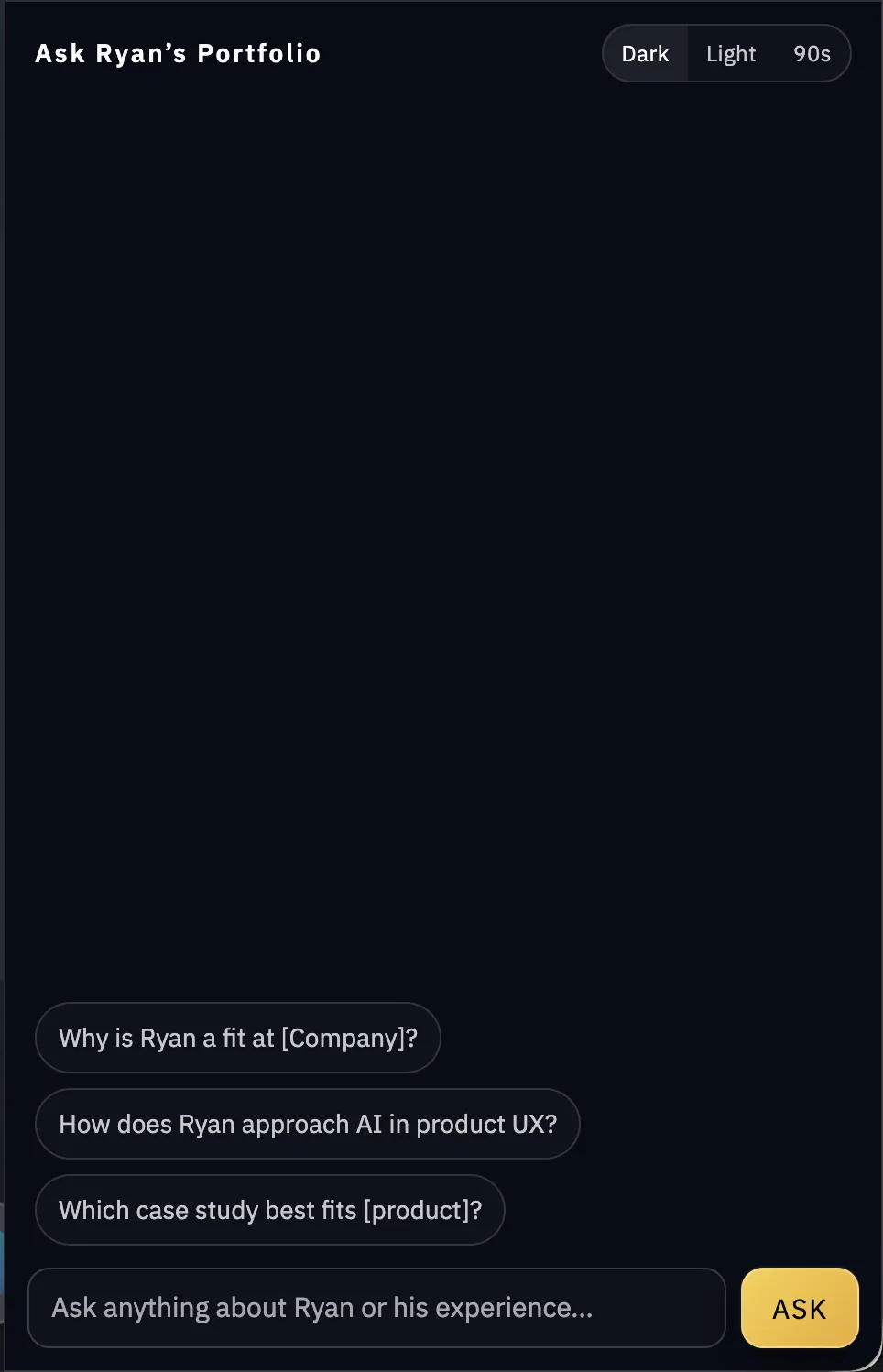
- AI-powered chat widget integrated into the portfolio
- SEO, AEO, accessibility, and metadata structure built directly into templates
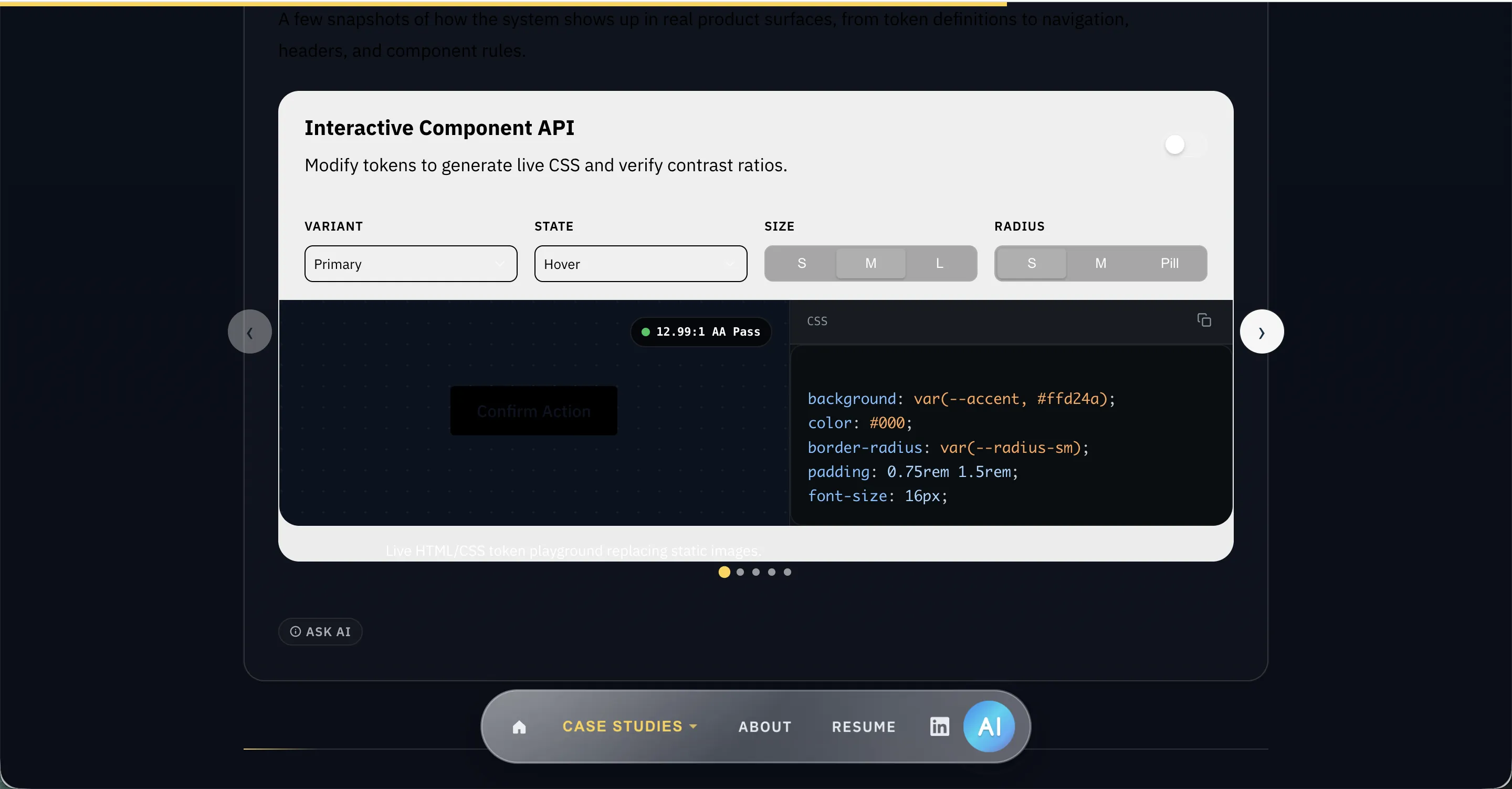
These replaced static pages with interactive, structured, and code-driven experiences.
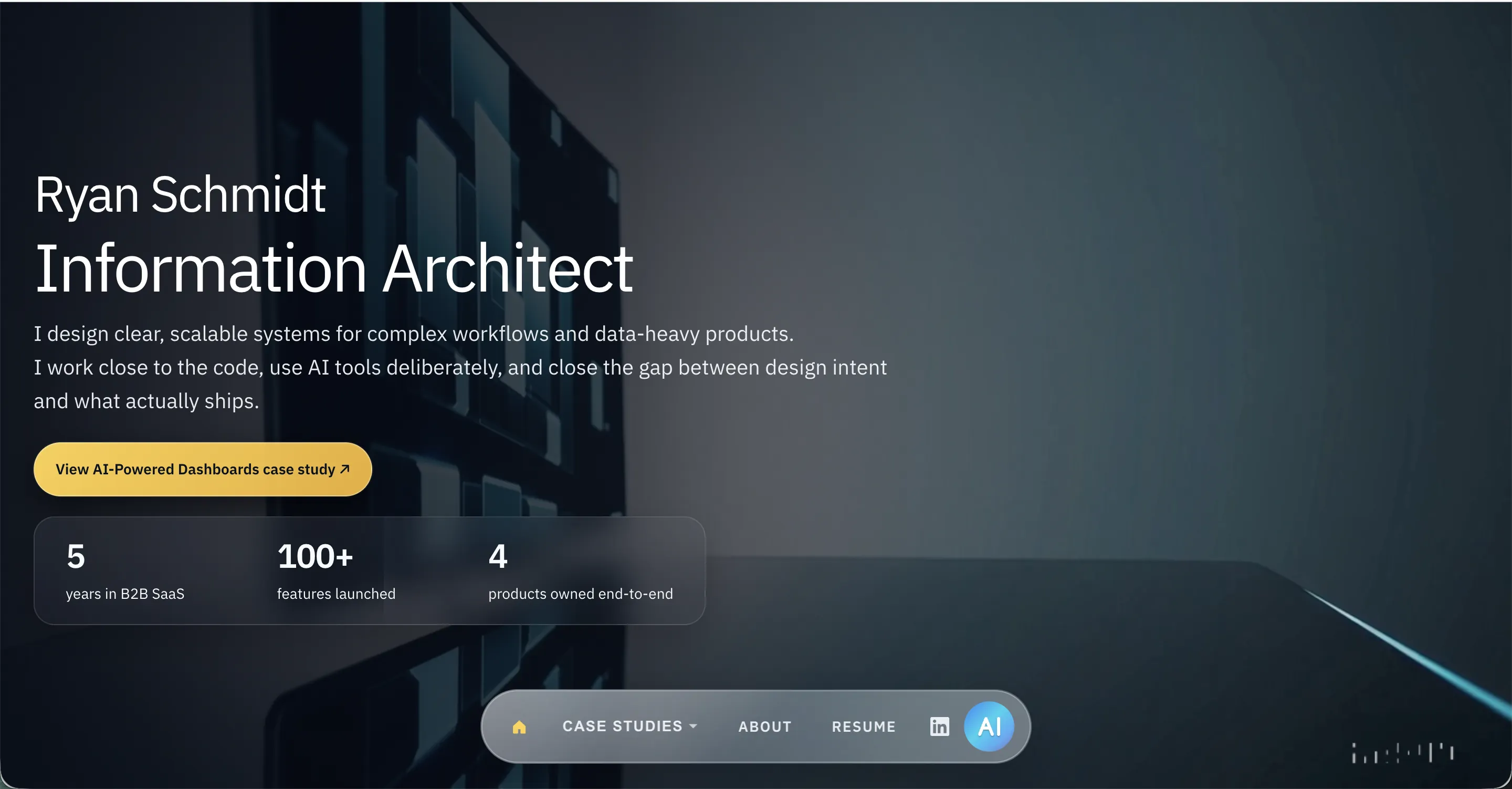
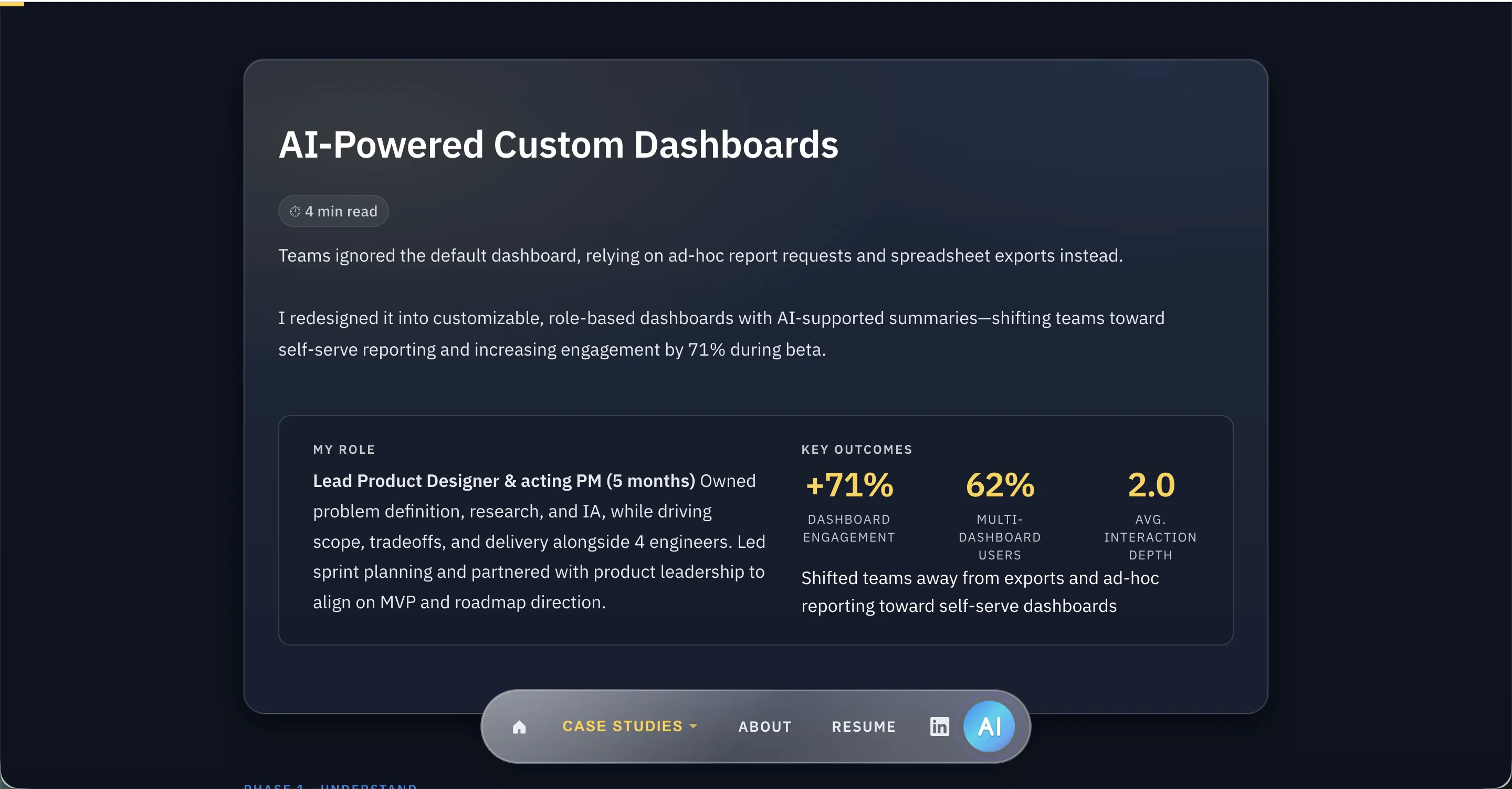
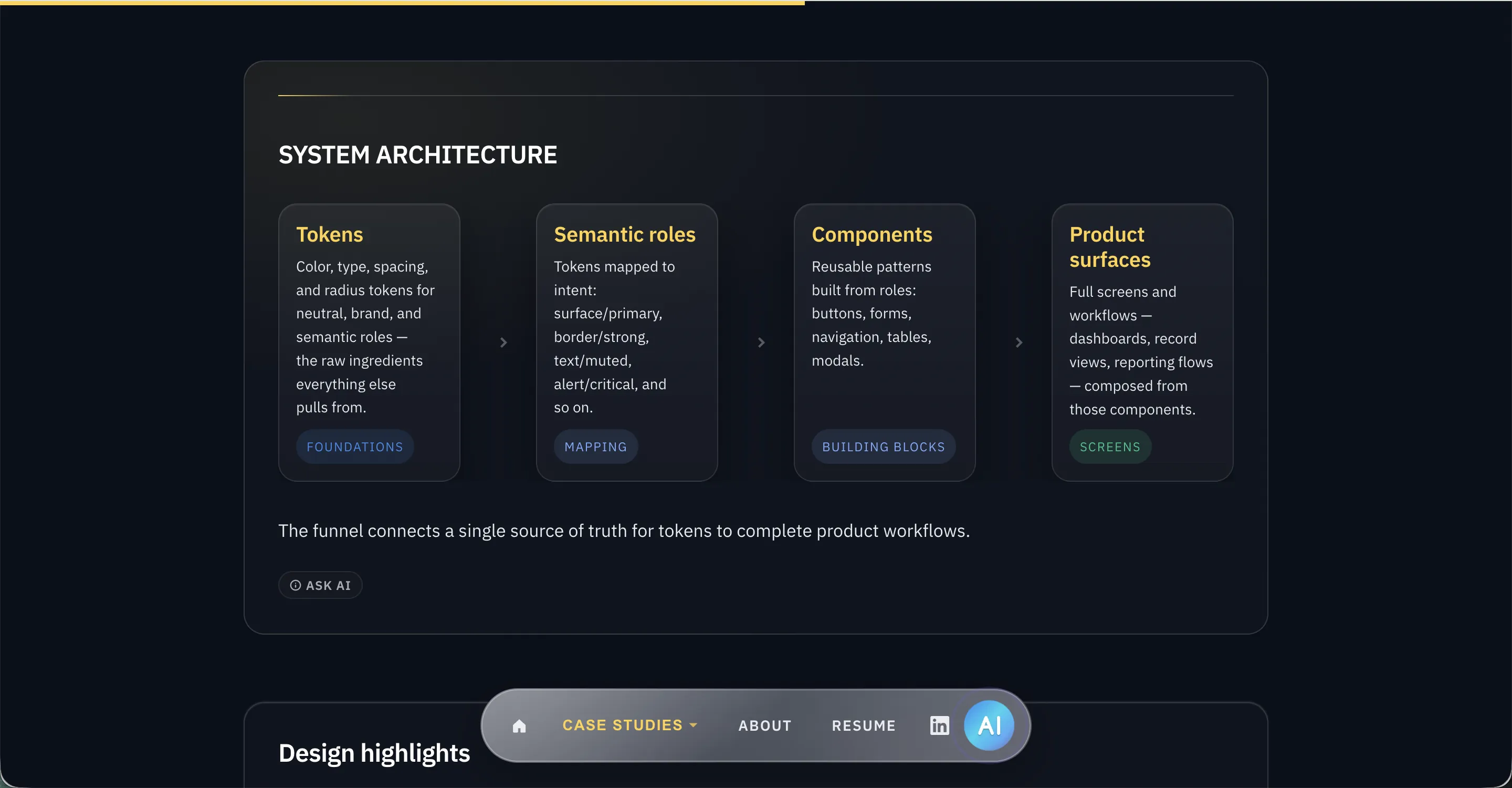
The following screenshots compare the previous version of this portfolio — hand-built, static HTML — against the AI-assisted rebuild described above.
Making the AI Assistant Useful
The first version of the assistant used a single JSON knowledge base loaded into every chat request. It worked, but it was wasteful and difficult to scale because every query sent the entire knowledge base as context.
I replaced that approach with a Supabase PostgreSQL database using pgvector for semantic search. Portfolio content is chunked, embedded with Gemini, and retrieved based on relevance so the assistant can answer from the right context instead of the entire document.
The hardest part was response quality. I had to tune retrieval, prompt structure, context priority, caching, and rate limits so the assistant felt useful rather than like a novelty. The system now supports semantic search, streamed responses, session tracking, and resume-download analytics.
Impact
The site ships as fully custom HTML, CSS, and JavaScript, with no templates, CMS, or static site generator. Every page shares layout patterns and design tokens. The chat widget answers questions about my work using semantic search against a PostgreSQL vector store.
The real output is a repeatable workflow: I can go from idea to working feature in a single session, without blocking on engineering. That changes how quickly I can test and ship product-level work.
What Didn't Work
At one point the portfolio included dark mode and a Windows 95-inspired theme.
Both significantly increased CSS complexity.
The decision was made to focus on features that delivered greater user value.
Lessons & next
Lessons
The tools didn't just speed up execution. They exposed how much of good output depends on how clearly the problem is framed going in.
- AI amplifies structure. Clear thinking produces better output
- Speed needs discipline. Without constraints and direction, code degrades quickly
- Iteration is the real advantage. Faster loops matter more than automation
Next
- Improve assistant accuracy with better retrieval evaluation
- Add targeted interactive demos where they clarify case-study decisions
- Use Three.js/WebGL only where motion supports comprehension, not decoration